The Grandfather-Father-Son backup strategy, sometimes just referred to as the GFS backup strategy, is a data retention policy with the aim of making data backup management more manageable and less resource heavy.
You can’t have millions of backup points stored on your backup repository forever. It just wouldn’t be feasible and would take up a lot of resources.
The GFS backup strategy lets you keep a full backup of a machine for the year, whilst reducing the storage space required to a minimum.
How does it work?
This strategy contains several tiers of backup.
- The Grandfather – A full machine backup, performed less often than father or son backups. This provides a snapshot of the machine and is usually stored offsite.
- The Father – This is a full backup of the machine too, but backed up more often to a local device for faster access.
- The Son – The regular incremental backup. This is usually daily, but could be running as regularly as minutes to bring down the RPO. An incremental backup only adds more data when comparing the changes to files in the Father backup.
This can also be extended to Great-Grandfather for a yearly backup, but usually this is overkill, although it could be useful to have a snapshot at a certain point in a year, for instance, if you have been infected with malware and the source is traced back a long way.
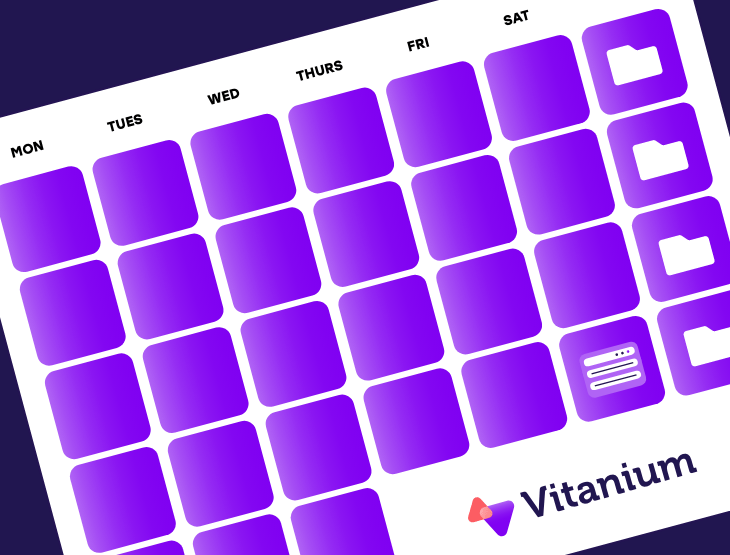
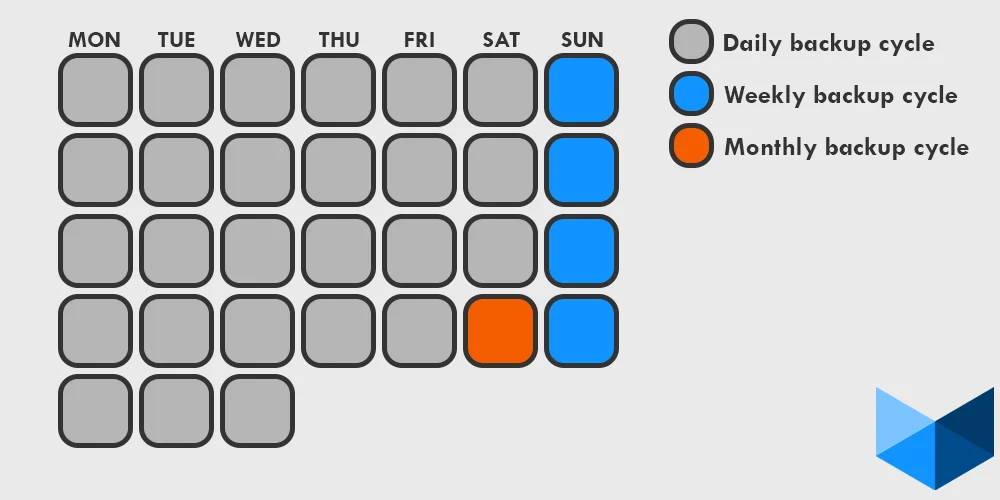
Here is an example of what a Grandfather-Father-Son backup strategy might look like in a regular month, with the grandfather as a monthly backup, the father as weekly and the son as daily backups.
Monthly Backup Cycle
Weekly Backup Cycle
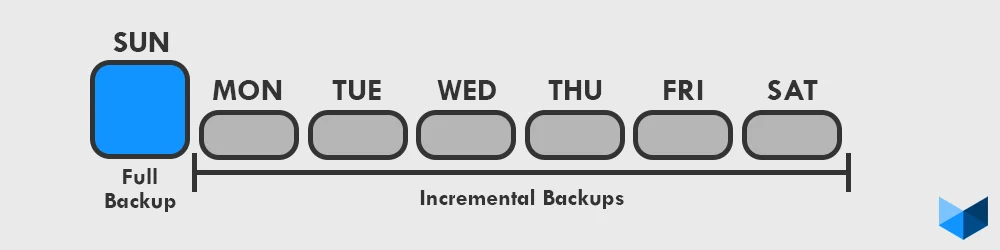
Here you can see that the full weekly backup is on the Sunday, starting a backup recovery point. Every day an incremental backup runs, adding another recovery point and another link in the backup chain for the week, giving a total of 7 recovery points. This is the standard amount of recovery points set by an RPO, but if your RPO is even more recent than daily, simply set the incremental backup to run at several points during each day instead.
Create your backup strategy today with Vitanium. Get in touch for a quote!